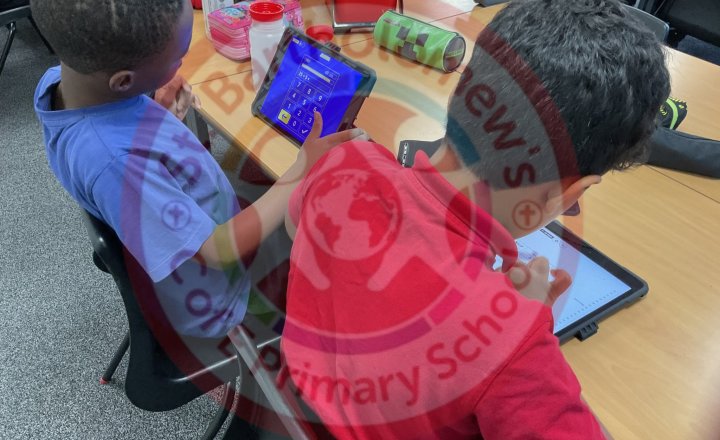
Year 5 (Class 13) - Maths - Multiplication Tables
Class 13 used TT Rock Stars to improve their recall of multiplication tables.
The children selected the times tables they needed to practise, allowing them to focus on their individual targets.
All pupils engaged enthusiastically with the activity and enjoyed the opportunity to develop…
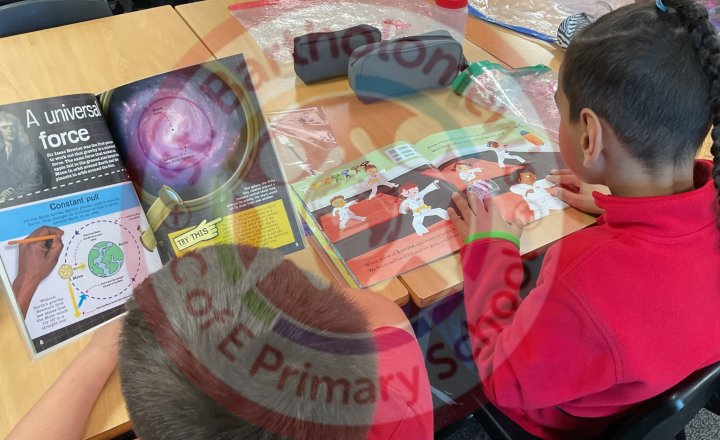
Year 5 (Class 13) - English - Library Books & Reading
Class 13 impressed Mr Needham with their enthusiasm for reading. The children had carefully chosen new library books and spent time engaged in reading them.
They were also keen to share what they liked about their chosen books, demonstrating a genuine interest in reading and a thoughtful…
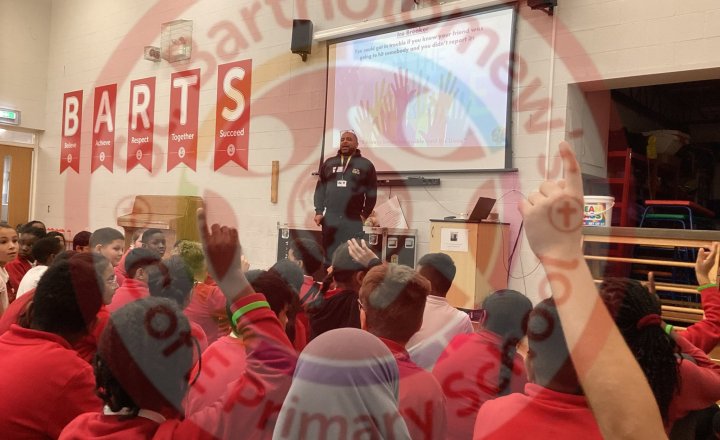
Year 5 - PSHE - Joint Enterprise
Year 5/6 were visited once again by On The Verge who delivered an informative session on Joint Enterprise and being Guilty by Association.
During the workshop, pupils learned about the legal concept of Joint Enterprise and the responsibilities that can arise from being involved in or present…
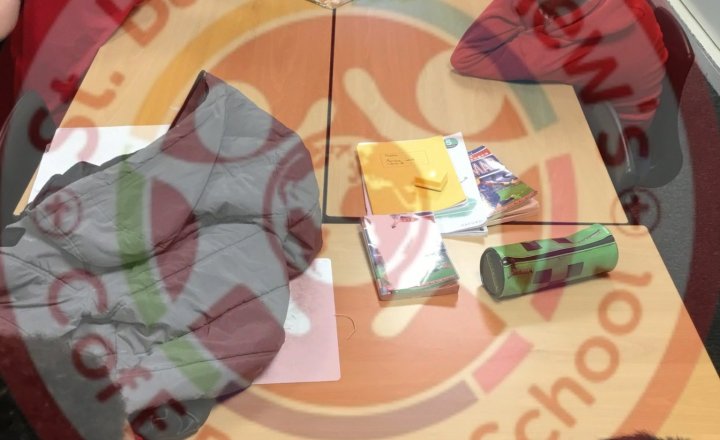
Year 5 (Class 12) - Oracy / Science - Diet, Exercise and Drugs
This week in science class 12 have used their oracy skills to discuss in pairs the effects of diet, exercise and drugs on the body.
Year 5 (Class 13) - History - World War 2 (Dig for Victory)
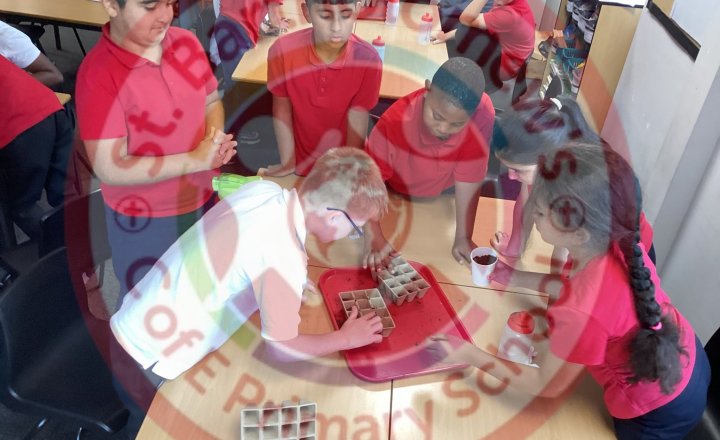
Class 13 have been learning about life on the Home Front during World War II and the important role women played during the war. We have explored the different jobs they carried out, including nurses, ambulance drivers, air raid wardens and farmers. The children enjoyed finding out how women took…
Year 5 (Class 13) - PSHE - Regulating Emotions
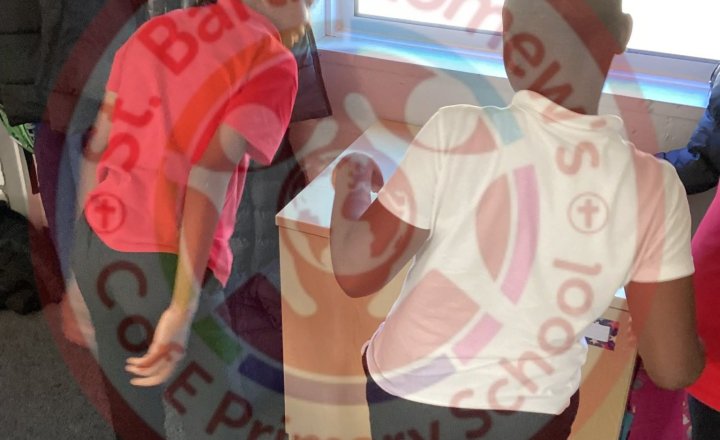
Class 13 have been exploring a range of effective strategies to help regulate their emotions and promote a sense of calm. These included stretching, using sensory objects, counting, and practising slow, controlled breathing.
Working in small groups, the children rotated around a variety of…
Year 5 (Class 12) - Computing / PSHE - Online Safety
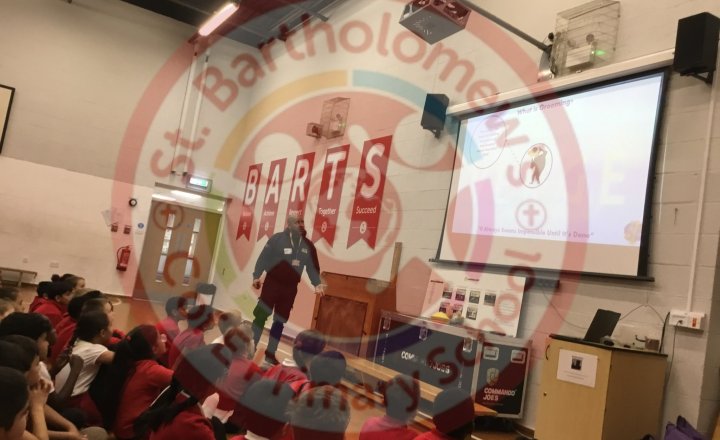
Today years 5 and 6 have had an assembly to learn and discuss online safety.
Children were informed on the legal age for social media, which is currently 13. In March, it changes to 16.
The online world is dangerous, please assess your child’s access to social media in light of this…
Year 5 (Class 12) - Science - The Process of the Digestive System
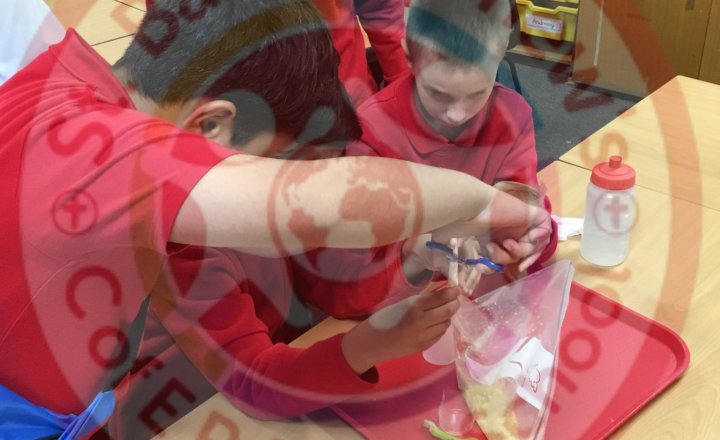
This week in science class 12 have modelled the process of the digestive system.
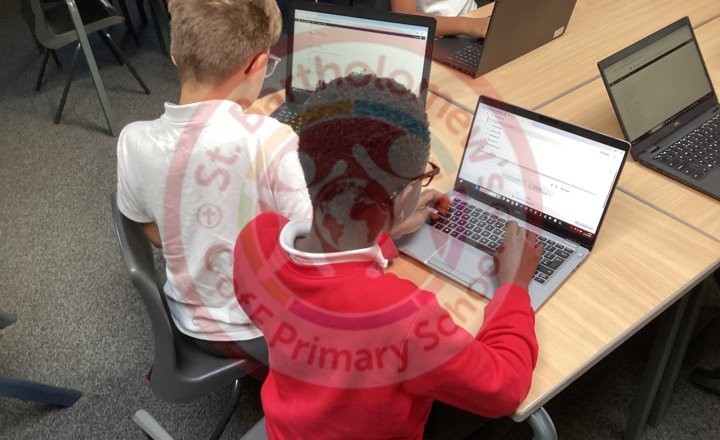
Year 5 - Computing Club - Commenting on our Wikipedia Pages
During Computing Club, we spent time reviewing and commenting on our fellow pupils' Wikipedia pages. Before leaving comments, we discussed the…
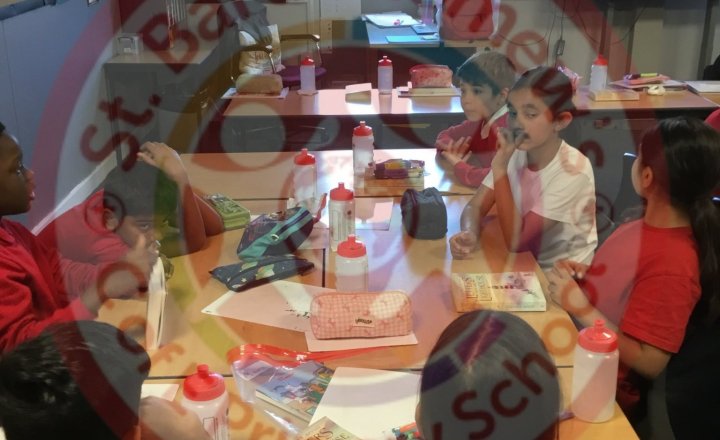
Year 5 (Class 12) - History - The Battle of Britain
This week in history class 12 have discussed why the allies won the Battle of Britain.
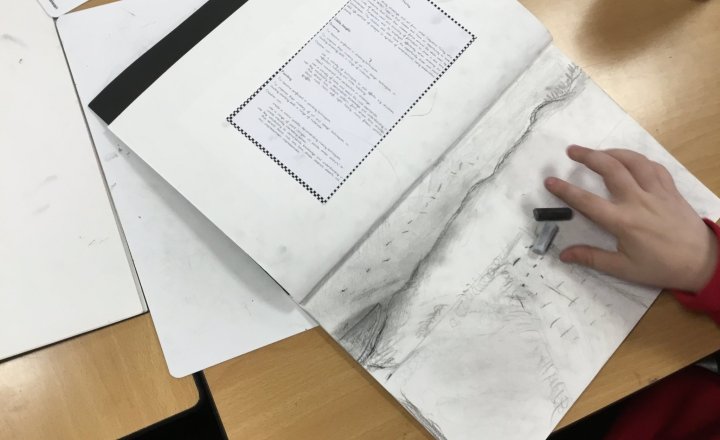
Year 5 (Class 12) - Art - Wartime Landscapes
Class 12 have finished their war time landscapes this week ready to make the poppies to go on it in the coming weeks.
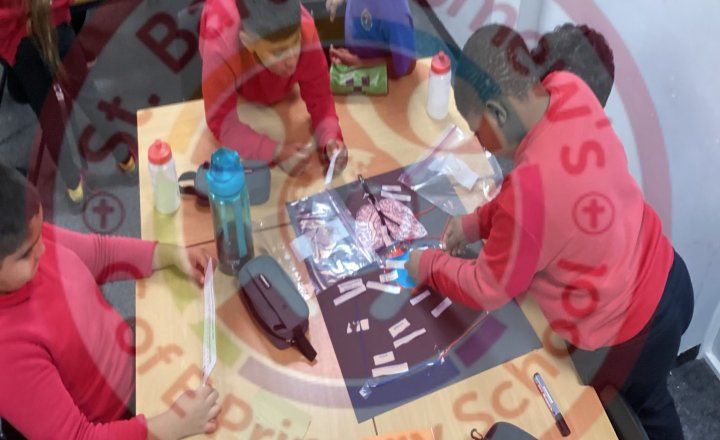
Year 5 (Class 13) - Science - Labelling Heart Models
Class 13 have completed labelling their heart models and have been showcasing their learning by presenting them to the class.
During their presentations, the children confidently explained how the circulatory system works, describing how the heart pumps blood around the body and delivers…